ChatGPT Images 2.0 vs Canva AI for Social Media Ads: Which Should You Use in 2026?
Introduction
Creating eye-catching social media ads used to require either hiring a designer or spending hours learning design software. Today, AI has democratized visual content creation—but not all AI tools work the same way.
ChatGPT Images 2.0 (released April 21, 2026) and Canva AI represent two fundamentally different approaches to generating ad visuals. Both can help you create stunning social media content, but they excel in different scenarios.
This guide walks you through a detailed comparison to help you choose the right tool for your needs—and when you might actually want to use both.
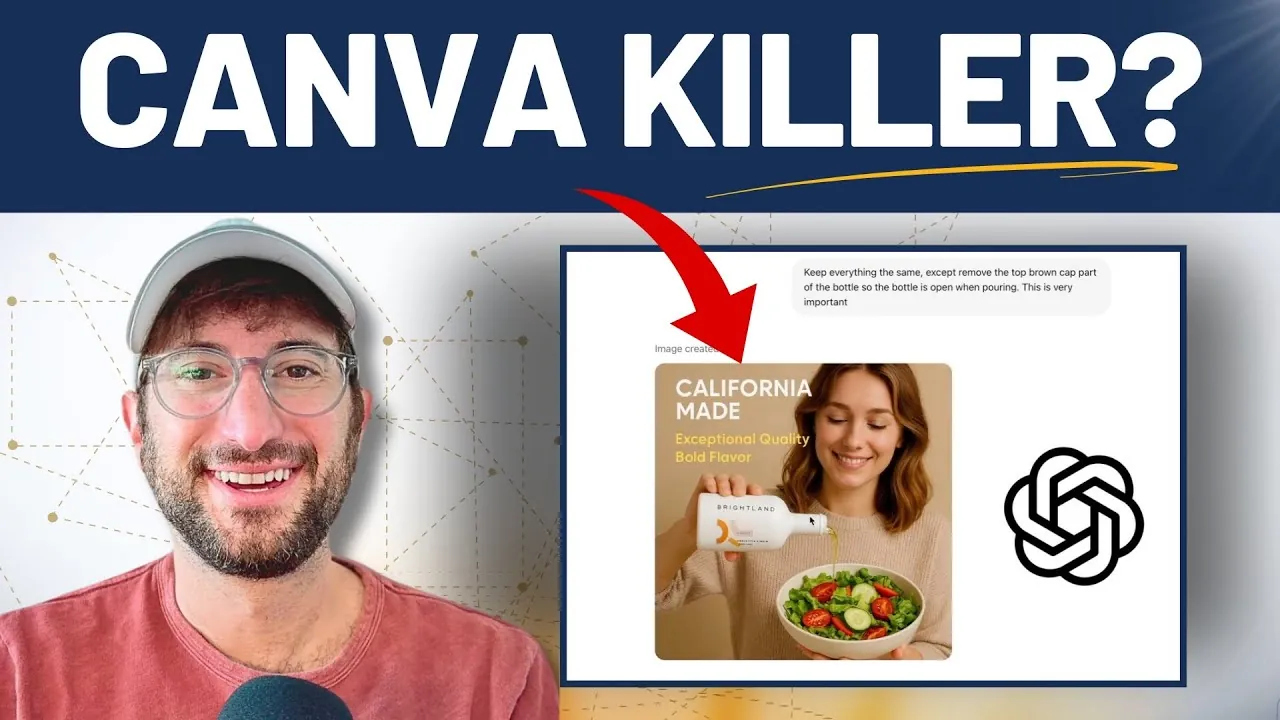
Feature-by-Feature Comparison
| Feature | ChatGPT Images 2.0 | Canva AI |
|---|---|---|
| Image Generation Quality | Exceptional; 2K resolution, native reasoning | High; optimized for social media sizes |
| Text Rendering | Stronger multilingual text handling | Good; works with Magic Studio |
| Template Library | None | 20,000+ templates (social, presentations, ads) |
| Aspect Ratio Flexibility | Yes; up to 3:1 ratio | Yes; pre-optimized for platforms |
| Batch Generation | Up to 8 images per prompt | Single generation per session |
| Brand Consistency Tools | None; relies on conversational refinement | Brand Kit; save colors, fonts, logos |
| Design Customization | Conversational refinement | Drag-and-drop editor with layers |
| Learning Curve | Minimal (describe what you want) | Low to moderate (drag-and-drop) |
| Team Collaboration | Limited (shared ChatGPT Plus accounts) | Excellent; built-in team tools |
| Social Media Publishing | Manual export to platforms | One-click publishing to major platforms |
| Video Integration | No | Yes; video editing and animation |
| Pricing | ChatGPT Plus: $20/month | Canva Pro: $13/month |
| Commercial Use Rights | Full commercial rights | Yes, for Pro subscribers |
| API / Automation | Limited | Yes; Canva API available |
| Offline Capability | No | Canva desktop app available |
Where ChatGPT Images 2.0 Wins
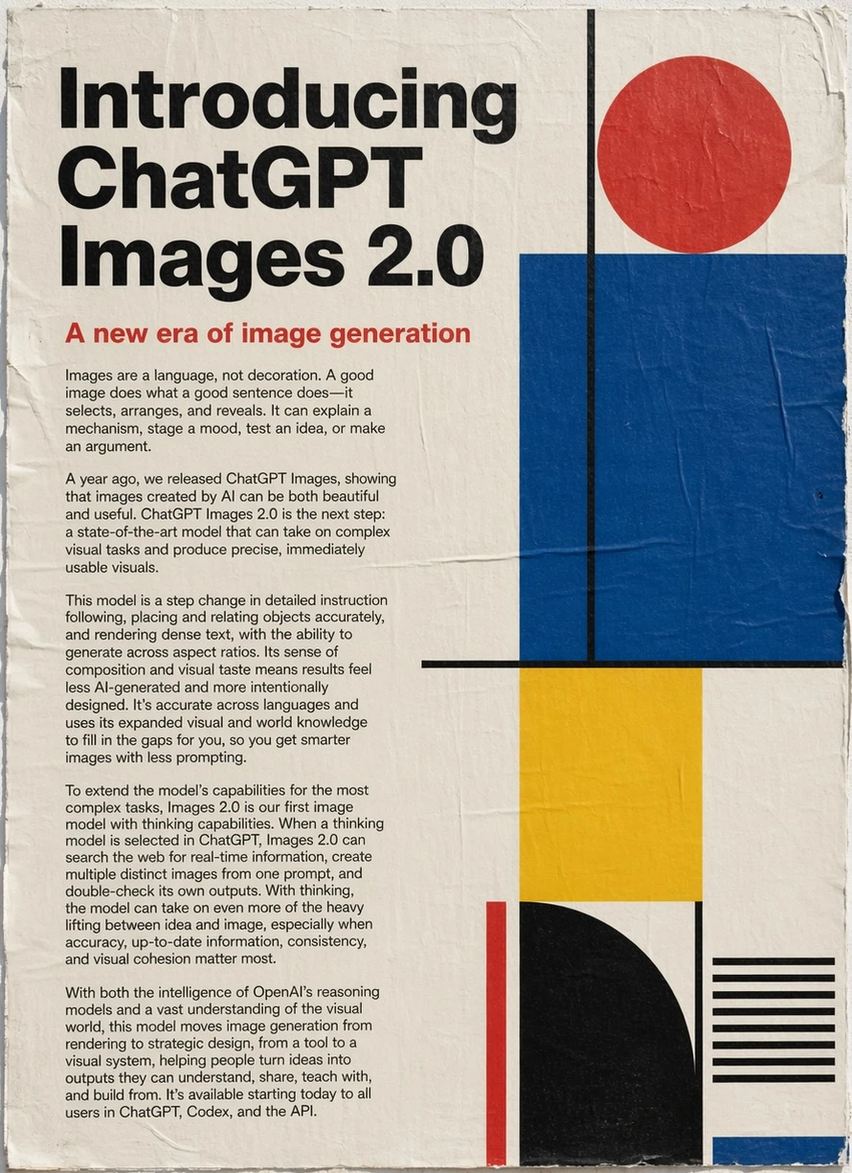
1. Stronger Text Rendering in Images
For years, AI image generators struggled with text. ChatGPT Images 2.0 changes this with native reasoning and multilingual accuracy. Whether you need text for memes, quote graphics, or product taglines, the text comes out legible and on-brand—in English, Spanish, Chinese, Arabic, and more.
Use case: "Generate an Instagram ad with bold white text saying 'Limited Time Offer: 50% Off' over a sleek product shot."
2. Complex, Unique Image Generation
ChatGPT Images 2.0 uses native reasoning to understand complex, nuanced prompts. It excels when you need something creative and specific—not a template.
Use case: "Create a cyberpunk-style TikTok thumbnail with a hacker typing code, neon pink and blue color grading, and dramatic shadows."
3. Multi-Image Consistency
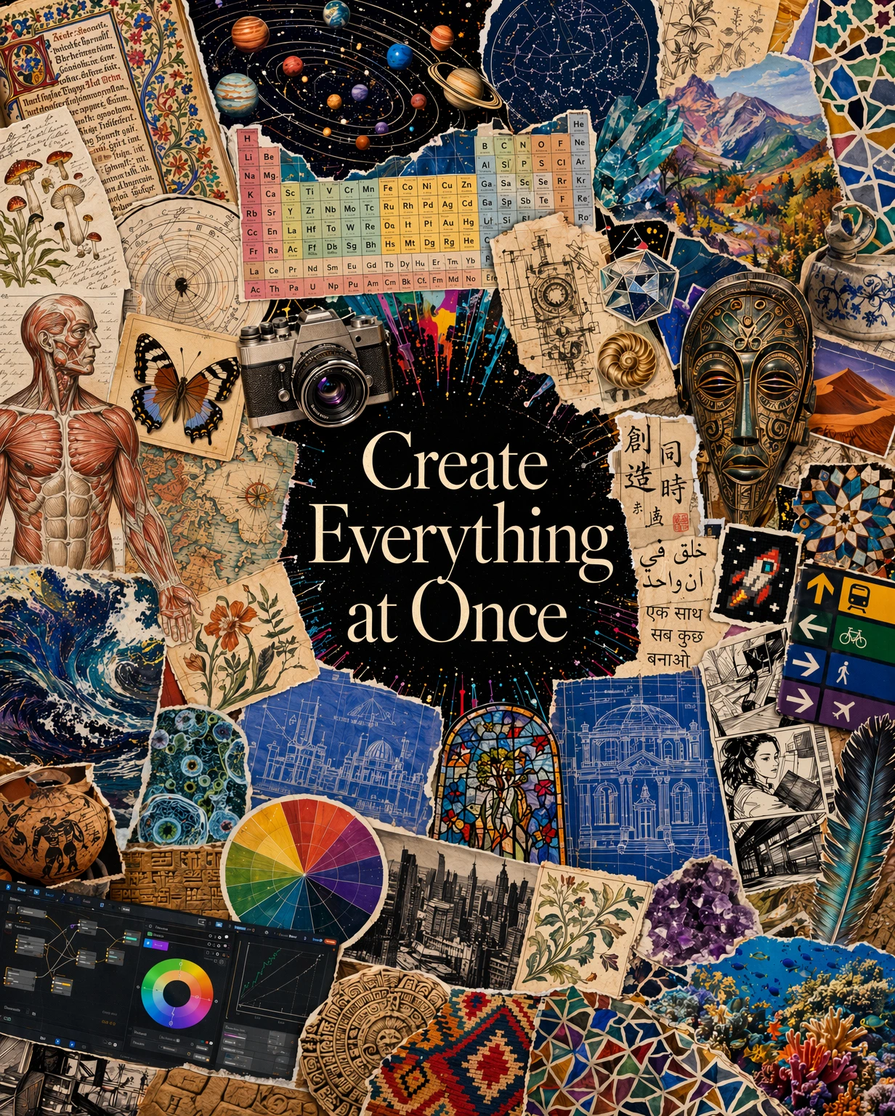
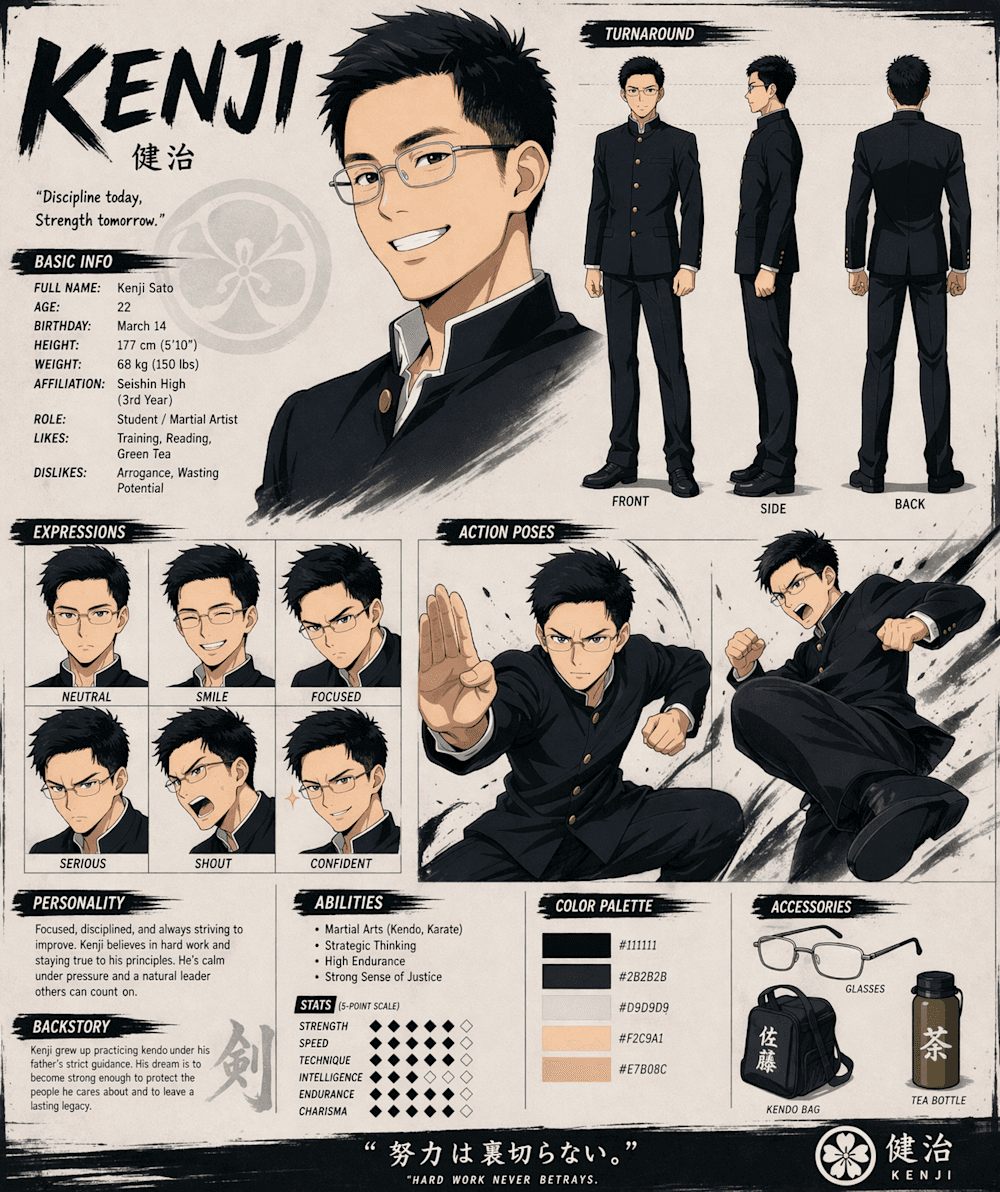
Generate up to 8 images in a single prompt with a consistent visual direction. Useful for A/B testing ad creatives or building a cohesive ad series.
Use case: "Generate 5 variations of a hero image for a landing page, each with a different pose, same lighting and composition."
4. Iterative Refinement Via Conversation
Describe your vision, see the result, then refine naturally. "Make it more vibrant," "add more texture," or "change the background to sunset"—all without starting over.
Use case: Rapidly iterate through 20+ ad concepts in one session without needing to re-write prompts.
5. No Design Skills Required
You don't need to understand layers, artboards, or design principles. Just describe what you want in plain language.
6. Faster Single-Pass Generation
ChatGPT Images 2.0 generates images in a single pass, making it faster than previous versions. For creative ideation, this means quick feedback loops.
Where Canva Wins
1. Template Efficiency
For standard ad formats (Instagram feed posts, Stories, TikTok thumbnails, Facebook ads), Canva's 20,000+ templates are often the faster starting point. Why generate from scratch when a professional template is one click away?
Use case: "I need 5 Instagram Stories ads by EOD using our brand colors."
2. Brand Kit for Team Consistency
Save your brand colors, fonts, and logos in one place. Every design automatically pulls from your Brand Kit, ensuring consistency across the entire team—no designer required.
Use case: Marketing team of 5 people creating content simultaneously, all on-brand.
3. Drag-and-Drop Customization
Canva's intuitive editor lets non-designers make changes instantly. Add text, swap images, adjust colors, and rearrange elements in seconds.
Use case: "Client wants the headline moved to the bottom and the color changed to blue. Done in 30 seconds."
4. Direct Social Media Publishing
Upload, design, and publish to Instagram, Facebook, TikTok, Pinterest—all without leaving Canva. Scheduling is built in.
Use case: Queue up 30 days of content in one session.
5. Video Editing & Animation
Canva's video tools (trimming, transitions, text animations) are built into the platform. Generate images, add video elements, and export as video content.
Use case: Animated Instagram Reels, YouTube thumbnails with motion.
6. Team Workflows
Real-time collaboration, design approvals, comments, and version history—designed for teams from day one.
Use case: Designer creates mockup, client reviews and comments, designer revises, publish.
Real-World Scenarios: Which Tool Should You Use?
Scenario 1: "I Need 10 TikTok Ad Images by Tomorrow"
Winner: Canva AI
Use Canva's templates as starting points, customize with Magic Studio (AI background removal, resize), and publish directly. Even if you start from scratch with Magic Studio's text-to-image, you'll finish faster because templates provide structure and sizing is pre-optimized.
Time investment: 2-3 hours for 10 ads.
Scenario 2: "I Want a Unique, Complex Hero Image for My Landing Page"
Winner: ChatGPT Images 2.0
Describe your vision in detail—lighting, composition, mood, specific elements. Refine through conversation. ChatGPT's native reasoning handles complex prompts that would require multiple attempts in other tools.
Time investment: 30-60 minutes, including 3-5 refinement iterations.
Example prompt: "A modern product hero image: sleek metallic widget centered on a gradient background (deep blue to white), soft studio lighting, minimal shadows, cinematic depth of field, ultra-sharp detail on product, photorealistic style, clean and premium aesthetic."
Scenario 3: "My Team Needs to Produce Consistent Branded Content"
Winner: Canva (with ChatGPT Images 2.0 as supplement)
Use Canva's Brand Kit and templates as the foundation. When team members need unique hero images or creative variations, generate those in ChatGPT Images 2.0, then import into Canva for brand consistency finishing touches.
Workflow:
- Design lead sets up Brand Kit in Canva (colors, fonts, logo).
- Content creators use templates for 70% of output.
- For hero images or special creatives, generate in ChatGPT, import to Canva, apply brand formatting.
Scenario 4: "I Want to A/B Test 20 Different Ad Creative Variations"
Winner: ChatGPT Images 2.0
Generate 8 variations per prompt using ChatGPT Images 2.0's multi-image consistency. Write your base prompt, then iterate: "Now make version 9-16 with different color schemes" (warm vs cool tones, dramatic vs subtle). You'll have 20+ variations in 2-3 sessions.
Time investment: 30-45 minutes.
Bonus: Export all variations, upload to Meta Ads Manager, and run split tests to identify winning creatives.
Scenario 5: "I Need a Complete Ad Package (Images + Video + Copy + Headlines)"
Winner: Hybrid Approach (or UGCFast for Done-For-You)
If you want to own the creation process:
- ChatGPT Images 2.0 → Generate hero images and ad creative variations
- Canva → Build video content, animations, and final polish
- ChatGPT (text) → Generate ad copy and headlines based on the creative
However, if you need professional UGC-style ads at scale, services like UGCFast can handle the full workflow from creative direction to video production with a shorter turnaround than a traditional creator pipeline. This is especially valuable if your team is stretched thin.
The Smart Workflow: Using Both Tools Together
The best approach for teams isn't "ChatGPT OR Canva"—it's both.
Recommended Workflow for High-Volume Content Teams
Phase 1: Ideation (ChatGPT Images 2.0)
- Brainstorm 3-5 unique creative directions.
- Generate 8 variations per direction (24-40 total images).
- Refine iteratively through conversation.
- Export all variations.
Phase 2: Selection & Structuring (Internal Team)
- Review ChatGPT Images 2.0 outputs.
- Select 15-20 strongest variations for further refinement.
Phase 3: Branding & Assembly (Canva)
- Import ChatGPT Images into Canva.
- Apply Brand Kit (colors, fonts, logos).
- Add text overlays, taglines, CTA buttons.
- Create final ad layouts for different platforms.
- Schedule and publish directly from Canva.
Phase 4: Monitoring & Refinement
- Monitor ad performance on Meta Ads Manager.
- Identify winning creatives.
- Return to ChatGPT Images 2.0 to generate variations of top performers.
- Repeat.
This workflow leverages ChatGPT Images 2.0's creative strength and Canva's operational efficiency—the best of both worlds.
Pricing Comparison
ChatGPT Images 2.0
- ChatGPT Plus: $20/month
- Includes: ChatGPT text capabilities + image generation
- Usage limits: Roughly 80 images per day with Plus
- Best for: Users already paying for Plus; cost-effective if you use ChatGPT for other tasks
Canva Pro
- Price: $13/month (annual plan: ~$119/year)
- Includes: All design tools, 100GB cloud storage, 100,000+ templates, Magic Studio (AI tools)
- Team plans: Canva Teams: $30/month per person (5-person minimum)
- Best for: Teams, heavy-volume designers, users who need video + design
Cost-Benefit Analysis
For Solo Content Creators:
- ChatGPT Plus ($20) + Canva Free = $20/month. Consider upgrading to Canva Pro ($13) if you hit free plan limits.
- Monthly cost: $20-33
For Small Teams (3-5 people):
- ChatGPT Plus ($20) + Canva Pro ($13) per person = $165-200/month
- Alternative: Canva Teams ($30 × 5 = $150) + ChatGPT Plus ($20) = $170/month
- Cost per person: $34-40/month
For Enterprise:
- Evaluate Canva Enterprise + ChatGPT API access (if needed).
The Learning Curve: Time to First Result
ChatGPT Images 2.0
- Time to first image: 2-5 minutes
- Skill needed: Ability to write descriptive prompts
- Complexity: Low—natural language input
Canva
- Time to first design: 5-15 minutes (template-based) or 30+ minutes (from scratch)
- Skill needed: Basic design instinct (composition, readability)
- Complexity: Low to moderate—drag-and-drop interface
Verdict: Both tools have low barriers to entry. ChatGPT Images 2.0 is slightly faster for absolute beginners.
Technical Considerations
Image Quality
ChatGPT Images 2.0:
- Up to 2K resolution
- Native reasoning improves coherence and detail
- Excellent for high-fidelity, complex compositions
Canva AI (Magic Studio):
- Optimized for social media dimensions (Instagram, TikTok, etc.)
- High quality for standard ad sizes
- Slightly compressed for web optimization
Verdict: ChatGPT Images 2.0 edges out for print or ultra-high-resolution needs. Canva is perfectly adequate for social media.
Text Rendering
ChatGPT Images 2.0:
- Built-in multilingual text rendering
- Highly accurate, readable at all sizes
- No post-processing needed
Canva:
- Text is added via the editor (not part of generated image)
- Full control over fonts, sizing, shadows
- More flexibility for complex typography
Verdict: ChatGPT Images 2.0 if you need text baked into the image. Canva if you want to edit text after generation.
Commercial Use Rights
Both tools grant commercial usage rights to subscribers:
- ChatGPT Plus: Full commercial rights for generated images
- Canva Pro: Full commercial rights to designs and AI-generated elements
Neither tool restricts you from using generated images in ads, products, or client work (provided you maintain active subscriptions).
When to Consider Other Tools or Services
Scenario: You Need Professional UGC-Style Ads at Scale
If your team is stretched thin or you need studio-quality production, services like UGCFast fill a gap that ChatGPT Images 2.0 and Canva don't. UGCFast handles:
- Professional video production with real or AI talent
- Complete creative direction and strategy
- Multiple variations and iterations
- Fast turnaround (days, not weeks)
- Integrated copywriting and headlines
Best use: When you're running high-budget ad campaigns and need proven, production-quality creatives at scale.
Final Verdict: Which Should You Use?
Use ChatGPT Images 2.0 If:
✅ You need unique, creative hero images ✅ You're A/B testing multiple creative directions ✅ Text in images is essential ✅ You want rapid iterative refinement ✅ You're brainstorming multiple ad variations quickly ✅ You already use ChatGPT Plus for other work
Use Canva If:
✅ You're working with templates and standard formats ✅ Your team needs brand consistency tools ✅ You need one-click social media publishing ✅ You require drag-and-drop customization ✅ Video content is part of your strategy ✅ You're managing multiple team members
Use Both If:
✅ You're producing high-volume, branded content ✅ You run recurring ad campaigns with variations ✅ Your team needs creativity + operational efficiency ✅ You want the best output quality for each task
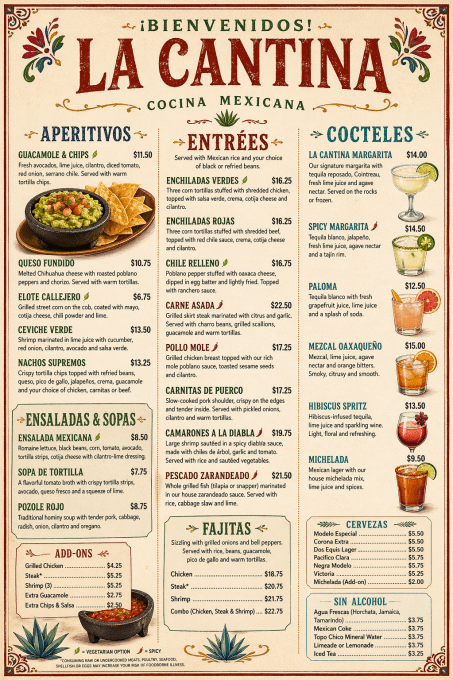
The Hybrid Advantage: Building Your 2026 Ad Creative Stack
The most successful content teams in 2026 won't choose between tools—they'll choose the right tool for each task.
Here's how to think about it:
- Ideation & Exploration → ChatGPT Images 2.0
- Template-Based Production → Canva
- Brand Consistency & Finishing → Canva
- Publishing & Scheduling → Canva
- Performance Monitoring → Meta Ads Manager, Google Analytics
By separating creative generation from design assembly, you get the best of both worlds: ChatGPT Images 2.0's creative power and Canva's operational excellence.
Actionable Next Steps
This week, try:
-
ChatGPT Images 2.0: Generate 5 variations of an ad concept you've been thinking about. Use the multi-image feature to explore different directions in one prompt.
-
Canva AI: Create 3 quick social ads using templates + Magic Studio. Notice how fast it is.
-
Hybrid test: Generate an image in ChatGPT Images 2.0, import it into Canva, add text and branding. See how natural the workflow feels.
Track which approach feels more efficient for your specific needs. Your best tool might be different from the next team's best tool—and that's okay.
Frequently Asked Questions
Q: Can I use ChatGPT Images 2.0 images in Canva?
A: Yes. Export ChatGPT Images 2.0 as PNG or JPG, upload to Canva as an image element. Works seamlessly.
Q: Is ChatGPT Images 2.0 better quality than Canva's Magic Studio?
A: For unique, complex compositions and text rendering, yes. For social media standard sizes and templates, Canva is faster. Quality is comparable for most ad use cases.
Q: Can I use Canva's designs commercially if I don't have Pro?
A: Canva Free has limitations on commercial use for some elements. Canva Pro includes full commercial rights.
Q: Does Canva have an API for automation?
A: Yes, Canva API is available for enterprise users. This allows programmatic design generation and automation at scale.
Q: What's the difference between ChatGPT Images 2.0 and DALL-E 3?
A: ChatGPT Images 2.0 uses improved versions of DALL-E 3 technology, adding native reasoning, faster generation, and better text rendering. It's a significant upgrade.
Q: Can I collaborate with my team on ChatGPT Images 2.0 designs?
A: Collaboration is limited. You can share a ChatGPT Plus account or download images and share them separately. Canva's team features are much stronger.
Q: How many images can I generate per month with ChatGPT Plus?
A: Roughly 80 images per day (approximately 2,400 per month), though limits can vary based on OpenAI's infrastructure load.
Conclusion
In 2026, creating professional ad creative doesn't require hiring a designer or learning complex software. Both ChatGPT Images 2.0 and Canva AI democratize visual content creation—just in different ways.
ChatGPT Images 2.0 excels at creative ideation, complex image generation, and iterative refinement. Canva excels at operational efficiency, brand consistency, and team workflows.
The practical strategy is to use both. Generate creative variations in ChatGPT Images 2.0, assemble and brand them in Canva, and publish directly to your channels. In a 30-day test, track whether the workflow increases ad variation output without increasing headcount.
Start with whichever tool matches your immediate need, then expand your toolkit as you scale. The best content teams in 2026 will be fluent in both—not forced to choose.
Ready to level up your ad creative process? Start with a free trial of Canva or upgrade your ChatGPT Plus account and run the hybrid workflow with your next campaign. Track which approach generates better-performing ads for your specific audience.
The data will tell you everything you need to know.
Last updated: April 22, 2026