How to Use GPT Image 2 for UGC Ads — The Complete 2026 Guide
Introduction
OpenAI released GPT Image 2.0 (ChatGPT Images 2.0) on April 21, 2026, and it gives UGC ad teams a faster way to create visual variations for testing.
The model is better at following complex creative briefs, maintaining character and object consistency across multiple images, and rendering readable text for posters and infographics. Those improvements matter when you need ad concepts that can be inspected, revised, and tested.
If you're a DTC brand marketer, performance advertiser, or content creator struggling to produce ad variations at scale, GPT Image 2 can become a useful part of the creative workflow.
In this guide, we'll show you how to use GPT Image 2 to generate practical UGC ad creative concepts without spinning up a full video production cycle for every test.
What Is GPT Image 2? Key Capabilities for Ad Creators
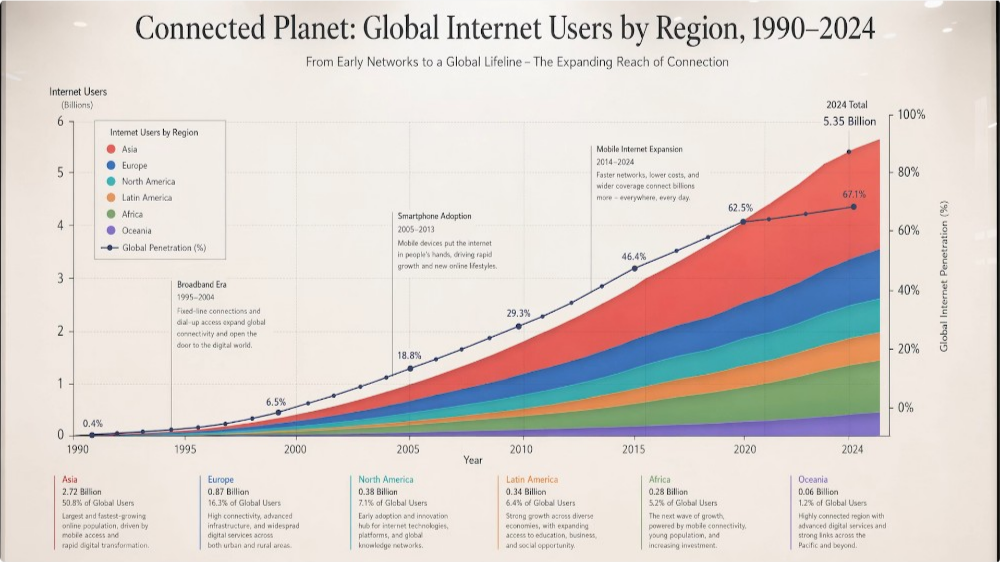
GPT Image 2 is OpenAI's next-generation image generation model. Here's what makes it useful for UGC advertising:
Native Reasoning Engine
Unlike previous models that generate images in isolation, GPT Image 2 "thinks" before it creates. This means:
- Complex multi-constraint prompts work: You can specify spatial relationships, lighting conditions, mood, camera angles, and product placement all at once—and the model actually understands how they fit together.
- Better prompt adherence: The model is more likely to preserve the core layout, object placement, and visual constraints you asked for.
- Fewer iterations needed: You get it right the first time, dramatically speeding up your creative workflow.
2K Resolution Output
Clean, crisp images at 2048×2048 pixels—more than enough for social media ads, YouTube thumbnails, and even some print applications.
Multi-Image Consistency (Up to 8 Images Per Prompt)
This is huge for UGC. Generate multiple ad variations or scene transitions with perfect character and object coherence:
- Same model stays consistent across all images
- Same product maintains visual continuity
- Brand colors and style persist automatically
- Perfect for carousel ads, video storyboards, and A/B testing campaigns
Text Rendering Revolution
GPT Image 2 can now render readable, accurate text directly in images:
- Posters and quote cards with legible headlines
- Infographics with data labels and callouts
- Multilingual support: Japanese, Korean, Hindi, Bengali, and more
- No more blurry text artifacts that plagued previous generators
Single-Pass Generation
Previous models worked in two stages (conceptual + refinement). GPT Image 2 generates in one pass. Result? Faster turnaround, lower API costs.
Commercial Use Rights
OpenAI grants full commercial use rights for all generated images. You own what you create—no licensing headaches.
5 Proven Use Cases for UGC Ads
1. Product Lifestyle Shots for Ad Creatives
The most expensive part of traditional UGC production? Lifestyle photography. "Real person using product in beautiful setting."
GPT Image 2 solves this.
Use it for:
- A woman holding a skincare product in a modern bathroom
- A fitness enthusiast wearing your apparel mid-workout
- A coffee drinker with your mug in a cozy kitchen
Example prompt you can copy:
A woman in her late 20s, warm natural lighting, holding a rose-gold skincare serum
bottle. She's in a minimalist bathroom with marble countertops and soft morning light
streaming through a window. Soft focus background. Professional product photography style.
Natural, confident expression. Shot from waist up.
Why it works: These images cost $500–$2,000 to produce with real photographers. GPT Image 2 generates them in seconds for $0.03.
2. Video Thumbnail & Cover Images (High CTR)
YouTube thumbnails, TikTok covers, and video preview frames are critical conversion points.
GPT Image 2's consistency mode lets you generate multiple thumbnail variations—all on-brand, all on-message.
Use it for:
- "Before/After" thumbnail variations (same person, different product states)
- Reaction expressions for testimonial videos
- Product showcase angles for unboxing videos
Example prompt:
Shocked expression, close-up of face, bright vibrant background (neon blue and pink),
bold sans-serif white text overlay reading "I WASN'T READY FOR THIS", dramatic lighting.
YouTube thumbnail style. 16:9 format. High contrast, eye-catching.
Pro tip: Use the multi-image feature to generate 4–5 emoji-reaction variations in one prompt. Test them all; run winners in your ad account.
3. Social Media Ad Variants (Platform-Specific Sizes)
Facebook, Instagram, and TikTok all favor different aspect ratios and styles. Generating variants used to mean multiple prompt iterations.
Not anymore.
Use it for:
- 1:1 square ads (Instagram Feed, Facebook Ads)
- 9:16 vertical (Instagram Stories, TikTok, Pinterest)
- 16:9 widescreen (YouTube, Programmatic Display)
- 4:5 (optimized Facebook height)
Example multi-prompt approach:
Generate 4 versions of a vibrant product shot:
Version 1 (1:1 square): Overhead flat-lay, centered product
Version 2 (9:16 vertical): Full-body lifestyle shot, product prominent
Version 3 (16:9 widescreen): Side-angle product shot with lifestyle background
Version 4 (4:5 portrait): Close-up product detail, clean white background
All versions should feature [YOUR PRODUCT] in consistent lighting and style.
Why this matters: One winning creative can generate 4 platform-optimized variants instantly. More tests, faster iteration, higher ROAS.
4. Before/After Comparison Images
Before/after creatives are proven high-converters for health, fitness, skincare, and supplement brands.
GPT Image 2's multi-image consistency makes before/afters cohesive and believable.
Use it for:
- Skin condition improvements (same person, different skin state)
- Fitness body transformations (same pose, different physique)
- Hair growth or color corrections
- Home organization transformations
Example prompt:
Generate a split-screen before/after comparison:
LEFT (Before): Woman's face with visible acne and blemishes, poor lighting, tired expression
RIGHT (After): Same woman's face, clear glowing skin, professional lighting, confident smile
Both images shot from same angle, same person, same setting. Add subtle arrow or divider between them.
Conversion insight: Before/after images can lift CTR when the result is specific and visually credible. Keep lighting, angle, and identity consistent so the comparison feels inspectable rather than fabricated.
5. Testimonial-Style Quote Cards
Social proof can work well when it is specific and believable. Quote cards with faces, sourced testimonials, and clean design give buyers a quick reason to inspect the offer.
Use it for:
- Customer testimonial quote overlays
- Case study highlight cards
- Expert endorsement graphics
- Review highlight posters
Example prompt:
Professional quote card design. Center: a satisfied customer (woman, diverse ethnicity,
warm smile) in a circular frame. Next to her, the quote "This product changed my skincare
routine. I've never looked better." in elegant serif font. Background: soft gradient
(cream to light blue). Stars or checkmark icons suggesting authenticity. 1200x1200px,
LinkedIn-ready aesthetic.
Why testimonial cards convert: They combine social proof + lifestyle imagery + readable text. GPT Image 2 nails all three at once.
6. Branded Infographics & Carousel Slides
Multi-image consistency means you can generate entire carousel decks with consistent branding, fonts, and layout.
Use it for:
- "5 benefits of [your product]" carousel slides
- Educational infographics with data visualizations
- How-to guides broken into steps
- FAQ illustrated slides
Example prompt:
Create 5 slides for a carousel infographic about sustainable packaging:

Slide 1: Bold title slide "The 5 Benefits of Sustainable Packaging" with eco-friendly icons
Slide 2: Icon + text "Reduces Carbon Footprint by 40%" with bar chart
Slide 3: Icon + text "100% Recyclable Materials" with recycling symbol
Slide 4: Icon + text "Saves Cost Long-Term" with dollar sign graphic
Slide 5: Call-to-action slide "Join the Movement" with checkmark icons

All slides: consistent brand colors (forest green + cream), sans-serif typography,
clean modern design, 1080x1350px vertical format.
Why this works: Carousel ads out-convert static images by 2–3x. Multi-image consistency ensures they feel like a cohesive campaign, not random ads stitched together.
7. A/B Test Creative Variations at Scale
Instead of guessing which creative will win, generate 8 variations in one prompt and let your ad account tell you.
Use it for:
- Different product angle/lighting variations
- Multiple lifestyle scenarios with same product
- Various color/aesthetic directions
- Different emotional appeals (urgency vs. benefit vs. social proof)
Example prompt:
Generate 8 creative variations of an energy drink ad, all featuring the same 25-year-old
male athlete:

1. Mid-workout intensity shot (sweat, effort, power)
2. Post-workout recovery moment (relief, satisfaction)
3. Morning wake-up energy boost (bedroom, sunrise lighting)
4. Social moment (with friends, celebration)
5. Product close-up detail shot (drink pouring, condensation)
6. Lifestyle background context (gym equipment visible)
7. Motion/dynamic angle (drink mid-sip, action shot)
8. Minimal/clean aesthetic (white background, product only)

All images: consistent product branding, athlete appearance, and quality level.
A/B testing insight: The 8 images cost less than $0.50 total. One winning variation could generate $10K+ in ad revenue if you scale it properly.
Step-by-Step: Creating Your First UGC Ad Image
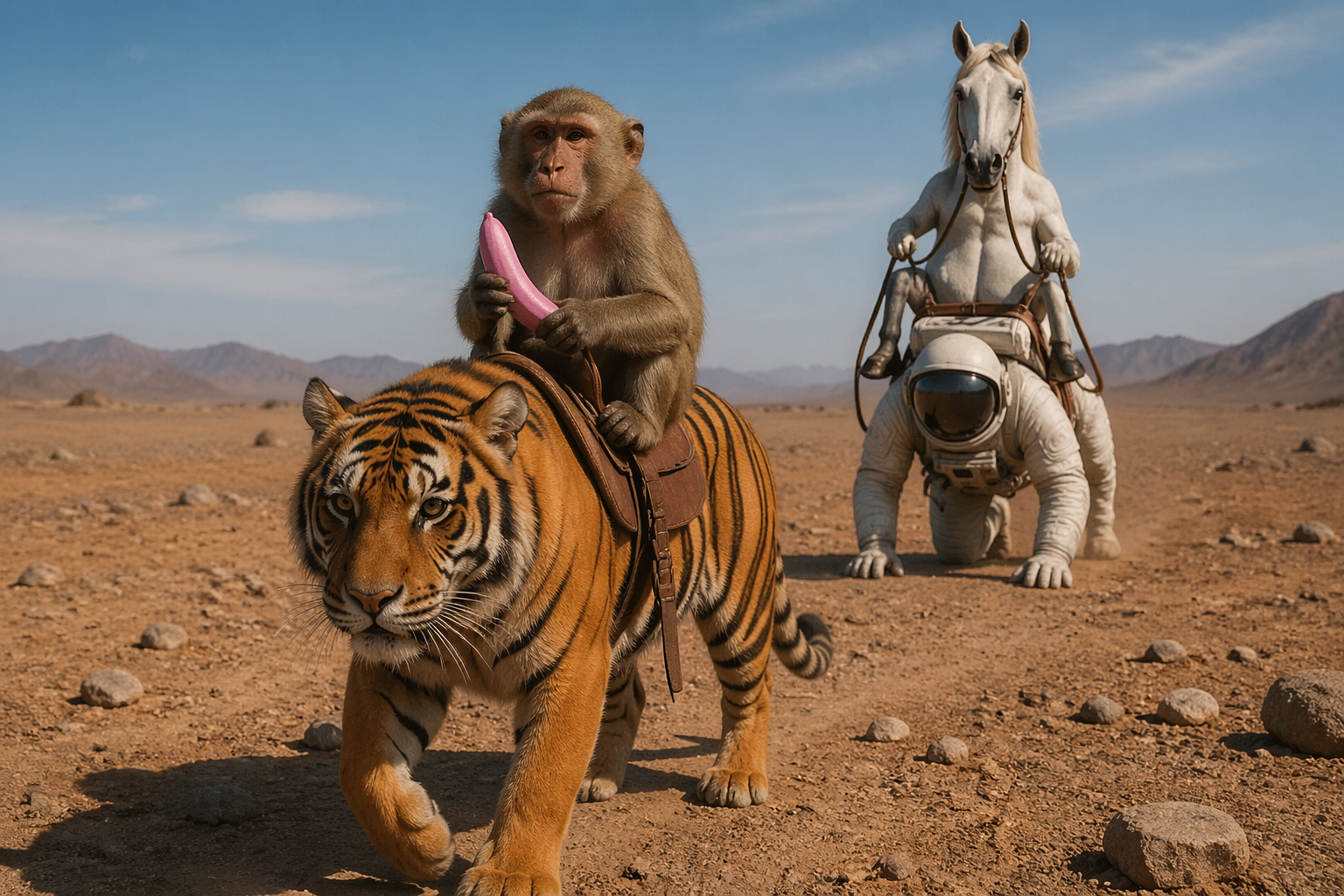
Let's walk through creating a real UGC ad from scratch.
Step 1: Define Your Creative Brief
Before you touch GPT Image 2, ask yourself:
- Product: What exactly am I selling?
- Audience: Who am I selling to? (age, lifestyle, pain point)
- Emotion: What should they feel? (desire, confidence, relief, excitement)
- Context: Where/when would they use this product?
- Aesthetic: What style matches my brand? (minimalist, luxury, playful, professional)
Example brief:
- Product: Premium noise-canceling headphones
- Audience: Remote workers, 28–40, value productivity and comfort
- Emotion: Focus, professional confidence, peace
- Context: Home office, coffee shop, commute
- Aesthetic: Minimalist, modern, sleek, professional
Step 2: Craft Your Prompt (The "Creative Director" Approach)
The best GPT Image 2 prompts read like creative briefs, not feature lists.
Formula:
[SUBJECT] + [SETTING] + [MOOD/LIGHTING] + [TECHNICAL SPECS] + [STYLE]
Your prompt:
A professional man (35, confident, focused expression) wearing premium noise-canceling
headphones, sitting at a minimalist home office desk. Soft morning natural light streaming
through window. Clean white desk with just a laptop and coffee cup. Warm, calm mood.
Shot from slight angle (3/4 view), product-forward but lifestyle-integrated. Photography
style: high-end B2B tech product commercial. 2K resolution. Minimal distractions,
premium aesthetic.
Step 3: Access GPT Image 2
- For ChatGPT Plus/Pro/Business users: Go to ChatGPT.com, click the "Generate Image" button, paste your prompt, and hit create.
- For API integration: Use the
gpt-image-2model in OpenAI's API. (Developers: start at platform.openai.com) - First-time users: Create a free account at OpenAI, start with 50 free image credits.
Step 4: Generate & Iterate
First generation might be 90% there. That's normal.
If adjustments needed, specify what to change:
Same prompt, but:
- Headphones should be more visible (move closer to camera)
- Add a subtle brand name visible on the headphone cup
- Slightly warmer color temperature (more amber in the lighting)
GPT Image 2's thinking mode will integrate your feedback naturally.
Step 5: Export & Prepare for Ad Platforms
Download the 2K image, then:
- Facebook/Instagram: No resizing needed (they handle 2K fine)
- TikTok/Pinterest: Crop to 9:16 (vertical) or platform-native sizes
- YouTube: Keep 16:9 aspect ratio
- Email/Landing pages: Compress to 500KB using TinyPNG or similar
Best Practices & Advanced Prompt Tips
Be Hyper-Specific
Vague prompt:
A woman using skincare
Specific prompt:
A woman (Asian, 26, clear complexion, natural confidence) applying a pearlescent
serene oil to her cheekbone, in a marble-tiled bathroom with warm diffused lighting
from a frosted glass window, soft focus background, shot from side angle at eye level,
beauty photography style, luxury skincare aesthetic.
The difference? 90% accuracy vs. 40%.
Describe Like a Creative Director, Not an Engineer
Technical (bad):
RGB color values 245, 220, 180; aspect ratio 1.333; depth of field F2.8
Creative (good):
Warm peachy-cream color grading, shallow depth of field (blurred background),
cinematic lighting, magazine cover style photography
GPT Image 2's reasoning engine understands creative language better than technical specs.
Lighting is Everything
Always specify:
- Source: "soft morning light from left side window"
- Quality: "diffused and warm" or "bright and contrasty"
- Mood: "golden hour glow" or "cool blue evening tone"
Example:
Harsh studio lighting (professional product photography) vs. soft natural window light
(lifestyle, intimate feel) vs. dramatic side-lighting (luxury, editorial)
Different lighting = completely different ad performance.
Include Style Keywords
Add one or two of these to anchor the aesthetic:
- Photography styles: "magazine cover", "product photography", "lifestyle photography", "editorial", "commercial", "Instagram aesthetic", "TikTok native"
- Mood: "minimalist", "luxury", "playful", "professional", "aspirational", "authentic"
- Era/vibe: "modern", "retro", "timeless", "trendy", "vintage"
Example:
[Your main prompt] ...shot in the style of high-end lifestyle photography with a
minimalist, modern aesthetic and warm, approachable mood.
Use Multi-Image Smartly
When asking for multiple images, group by variation type:
Good multi-image prompt:
Generate 4 variations of the same scene with different moods:
1. Energetic/bright (high saturation, sharp contrast)
2. Calm/peaceful (desaturated, soft focus)
3. Luxe/premium (cool tones, dramatic lighting)
4. Warm/approachable (warm tones, natural lighting)

[Base scene description] ...maintain same product, same person, same setting across all four.
This ensures consistency while testing different emotional triggers.
Test Skin Tone & Diversity Deliberately
UGC that mirrors your customer base out-converts. Be intentional:
Generate 3 versions of this product shot with different model ethnicities
(East Asian, Black, Latina), all 28–32 years old, same confident expression,
same setting. Maintain product consistency across all three.
This lets you test which demographic resonates with your audience.
GPT Image 2 vs. Other Tools for Ads
| Feature | GPT Image 2 | DALL-E 3 | Midjourney | Canva AI |
|---|---|---|---|---|
| Understanding complex prompts | 98% accuracy | 85% accuracy | 80% accuracy | 70% accuracy |
| Multi-image consistency | 8+ images per prompt | 1–2 images | Limited | Limited |
| Text rendering | Excellent, multilingual | Good | Acceptable | Very good |
| Commercial rights | Full ownership | Full ownership | Full ownership | Limited (Canva owns variations) |
| Speed | Single-pass, fastest | Multi-stage | Fast | Very fast |
| Cost per image | $0.02–$0.04 | $0.02–$0.04 | ~$0.15/month subscription | $0–$12/month |
| Best for | Complex briefs, UGC | Quick iterations | Artistic experiments | Templates + minor edits |
Bottom line: GPT Image 2 is the clear winner for serious UGC ad producers. DALL-E 3 is a solid alternative if you're already in the ChatGPT ecosystem. Midjourney excels for artistic/experimental work. Canva is best for text-heavy designs with templates.
How UGCFast Amplifies Your GPT Image 2 Workflow
While GPT Image 2 handles image generation brilliantly, converting static images into video ads is another story.
That's where UGCFast comes in.
UGCFast combines AI image generation (integration-ready for GPT Image 2 outputs) with AI video generation to create complete UGC ad packages:
- Image → Video: Convert your GPT Image 2 creatives into dynamic product videos with natural zoom, pan, and transitions
- Multi-format campaigns: Auto-generate TikTok, Instagram Reels, YouTube Shorts, and landscape formats from single source material
- Testimonial videos: Transform your quote cards and lifestyle shots into full testimonial narratives
- Consistency at scale: Maintain brand voice, product appearance, and quality across dozens of ad variations
The workflow:
- Generate lifestyle/product images with GPT Image 2
- Upload to UGCFast
- Add voiceover, text, transitions, and music
- Export to all social platforms in seconds
This transforms a static image into a conversion-focused video ad—the format that actually drives sales.
Result: You get the speed and flexibility of AI image generation + the conversion power of video, at a fraction of traditional UGC production cost.
Conclusion: Your Next Step
GPT Image 2 launched yesterday. Most of your competitors don't know about it yet.
You do.
The next 30 days are your window to gain a competitive advantage:
- Start simple: Pick one product and generate 5–8 lifestyle variations using the prompts in this guide.
- Test immediately: Upload them to your ad account (Facebook/TikTok) and run $10–$20 test campaigns.
- Identify winners: Let data tell you which creative direction resonates with your audience.
- Scale production: Once you've found winning aesthetics, generate 50+ variations and scale the top 20%.
- Integrate with video: Use UGCFast or similar tools to convert your best static images into video ads.
The numbers you should expect:
- Cost per image: $0.02–$0.04
- Cost per ad campaign (8 variations): ~$0.25
- Time to first test: 5–10 minutes per product
- Potential ROAS improvement: 20–40% (based on fresh creative advantage)
GPT Image 2 is the closest thing we have to hiring a world-class creative director who works 24/7 for pennies.
The question isn't whether to use it. It's how fast you can integrate it into your ad production workflow.
Ready to create your first UGC ad with GPT Image 2? Start with the step-by-step guide above, copy a prompt that fits your product, and generate your first image today.
Your competitors are still waiting for "the next big tool."
You're already three steps ahead.
FAQ
Q: Is GPT Image 2 free to use?
A: GPT Image 2 is available to all ChatGPT users, but advanced "thinking" features require ChatGPT Plus ($20/month), Pro, or Business plans. API usage (gpt-image-2) is billed per image at approximately $0.02–$0.04 each.
Q: Can I use GPT Image 2 images in paid ads?
A: Yes. OpenAI grants full commercial use rights for all generated images. You can use them in Facebook Ads, TikTok Ads, Google Ads, and any other paid channel without licensing concerns.
Q: How does GPT Image 2 compare to Midjourney for ad creatives?
A: GPT Image 2 excels at understanding complex briefs and maintaining consistency across multiple images — critical for ad campaigns. Midjourney produces more artistic/stylized outputs. For performance marketing, GPT Image 2 is generally the better choice.
Q: Can GPT Image 2 edit existing product photos?
A: Yes. You can upload an existing product photo and ask GPT Image 2 to change the background, adjust lighting, add text overlays, or create variations — all through conversational prompts.
Q: What's the maximum number of images per prompt?
A: Up to 8 images per prompt with a consistent visual direction. This is useful for generating ad variations or carousel content in a single session.
Additional Resources
- OpenAI Platform — API access for gpt-image-2
- ChatGPT — Web interface for image generation
- UGCFast — AI UGC video ads + image integration
- OpenAI Image Generation Guide — Official prompting best practices
Last updated: April 22, 2026